|
|


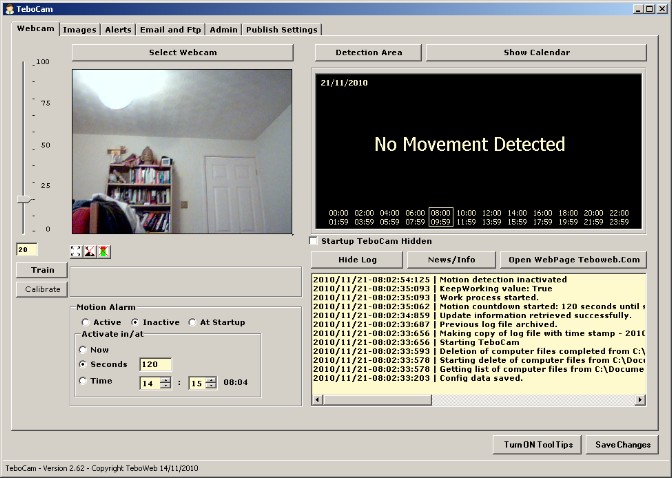
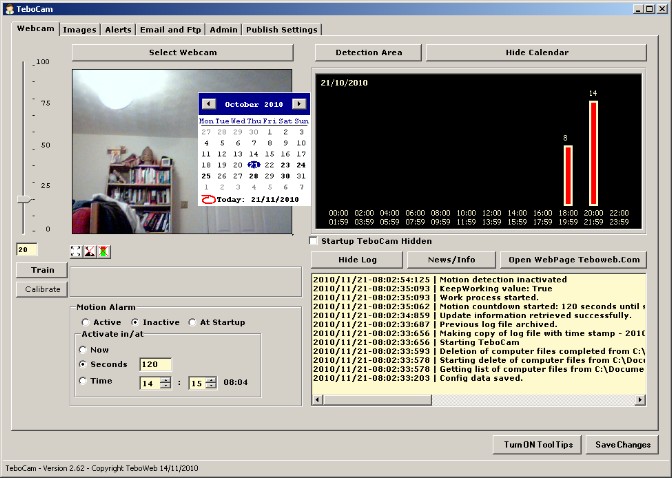
Webcam tab - this is the main screen showing the current webcam image. You can also access the history, shown in graphical form, from here. |
Images tab - shows the images captured by the current session when motion has been detected. |
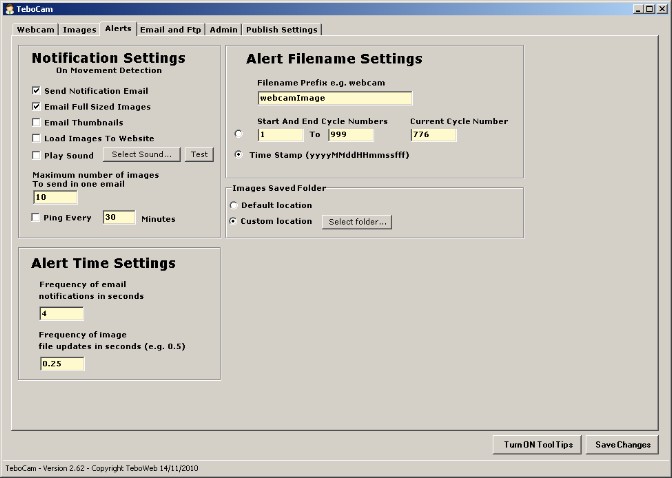
Alerts tab - this is where you can set up your alert preferences e.g. how you want to be notified of movement detection. |
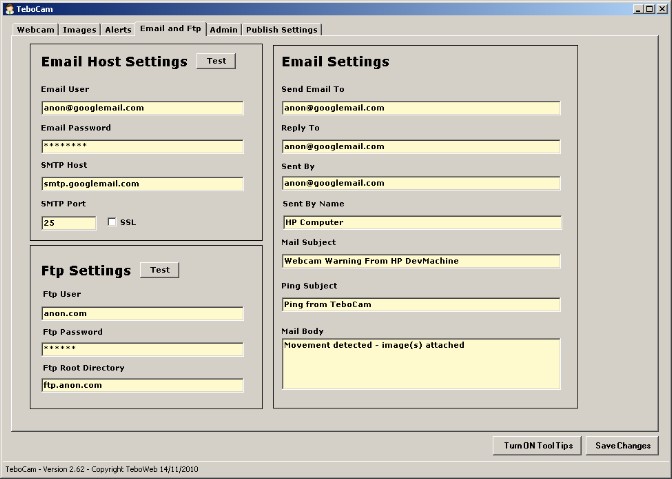
Email and FTP tab - this is where you set up your email and ftp credentials. |
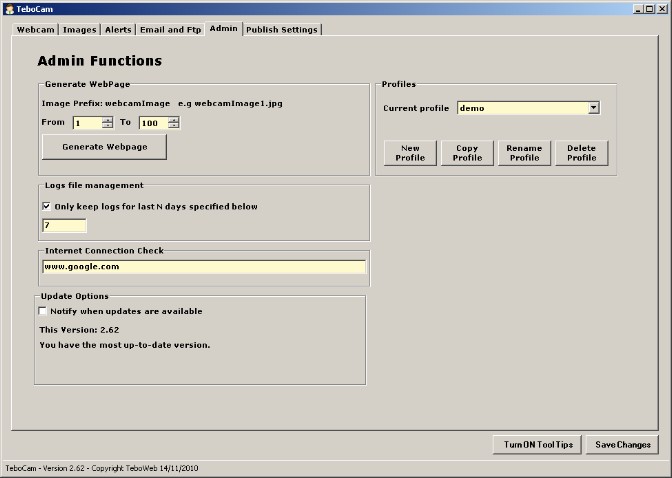
Admin tab - various administrative functions such as checking for updates and count of image files on your computer. |
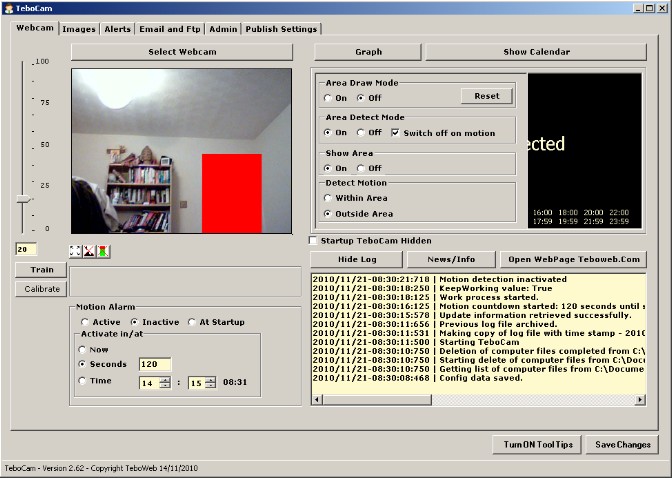
Isolate an area you wish to monitor or exclude from motion detection with the new detection area tool. |